
When a Message Appears to Replace Consumables or Carry Out Cleaning
When staples in the Finisher have run out
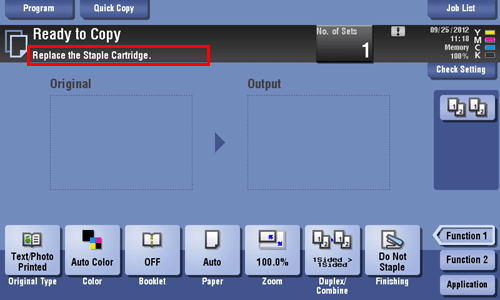
When staples in the Finisher have run out, the following message appear.
Take action while referring to the label inside the machine.

For details on the replacement procedure when using the Finisher FS-534, refer to Here.
For details on the replacement procedure when using the Saddle Stitcher SD-511, refer to Here.
For details on the replacement procedure when using the Finisher FS-535, refer to Here.
For details on the replacement procedure when using the Saddle Stitcher SD-512, refer to Here.
When the punch scrap box is full
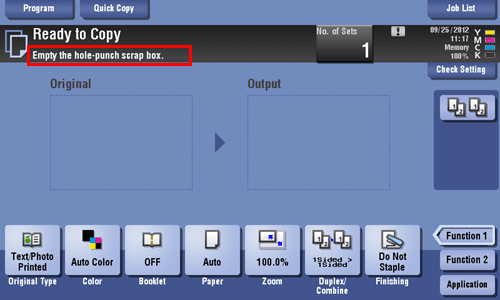
When the punch scrap box is full, the following message appears (at replacement by user).
Take action while referring to the label inside the machine.
When toner is running out in the Toner Cartridge
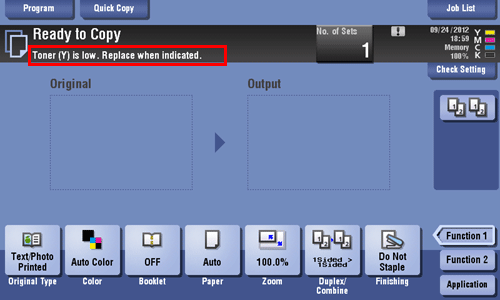
When toner is running out in Toner Cartridge, a message appears as shown below (at replacement by user).
For details on the replacement procedure, refer to Here.
When the Imaging Unit needs to be replaced
When the replacement time has come for the Imaging Unit, the following message appears (at replacement by user). Tap [Start Guidance], then follow the displayed guidance to take an action.
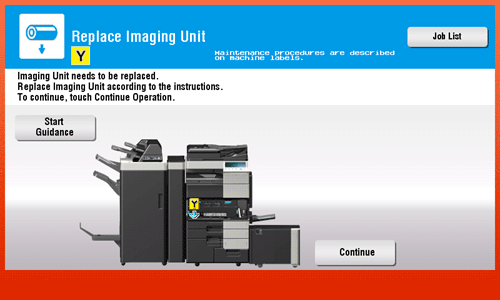

By the factory default status, this message is displayed only in some area.
The settings by the service representative are required to display a message about Imaging Unit. For details, contact your service representative.
For details on the replacement procedure, refer to Here.
When the Waste Toner Box is full
When the Waste Toner Box is full, the following message appears (at replacement by user). Tap [Start Guidance], then follow the displayed guidance to take an action.
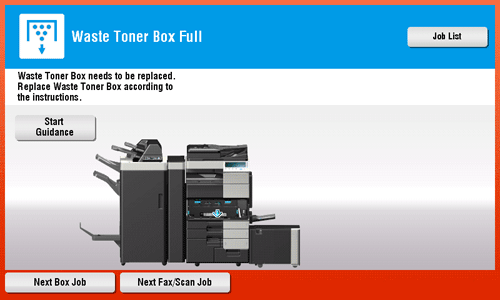
For details on the replacement procedure, refer to Here.