Paper Jam in Tray 1

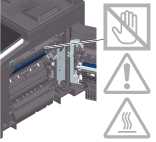
The inside of this product has areas subject to high temperature, which may cause burns. When checking the inside of the unit for malfunctions such as a paper misfeed, do not touch the locations (around the fusing unit, etc.) which are indicated by a "Caution HOT" caution label. A burn could result.
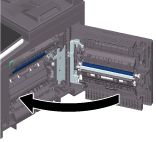
Open the Right Door.
When opening the Right Door, be sure to fold the Bypass Tray in advance.
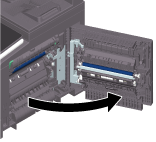
Carefully pull out the jammed paper.
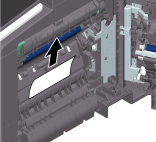

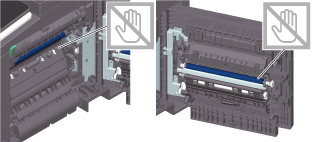
If you touch the surface of the Transfer Belt Unit or Transfer Roller, it may reduce printing quality. Be careful not to touch the surface of the Transfer Belt Unit or Transfer Roller.
Pull out Tray 1, then remove any paper left in the tray.
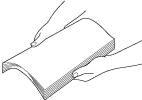
Flip through the removed paper, then align the edges.
Load paper into Tray 1, then close the tray.
Close the Right Door.